
Zenith Clipping is a leading image background removal services provider for product photographers, Wedding photographers, Food Photographers, Magazines, Advertising Agencies & online stores.
Price Starts from
$0.39
Unlimited Revisions without Extra Cost
Up to 5000 images
per day
Upto 20% Discount on
Bulk Orders
Zenith Clipping’s background removal service gives you clean, hand-cut product and portrait images with a transparent, pure white or custom background — no AI artefacts around hair, glass or fine edges. 150+ Photoshop experts process 5,000+ images a day with 24-hour delivery, from $0.39 per image. Used by online stores, fashion brands, real-estate agencies and photographers. Try it free on 3 images.
What is Photo / Image background removal? How can you remove the background from your images? These are some common queries you might be asking if you want to edit a single photo or bulk images for your business. Just as the name suggests, a photo background removing service is a photo retouching service where you get rid of the unwanted elements in background portion of your images. It is supposed to make your images far more appealing than they are or perhaps if you want to use them to relay a message better, without distracting the user.
One of the most popular tools to remove photo background is Adobe Photoshop which actually offers many different techniques to remove background from an image. We often use two common methods in terms of background removal using Photoshop, i.e clipping path, and masking. Clipping for background remove is the most commonly used approach and its best fit when your images have a sharp or smooth edges. It essentially drawing a path around the image followed by a separation of the object from the original background.
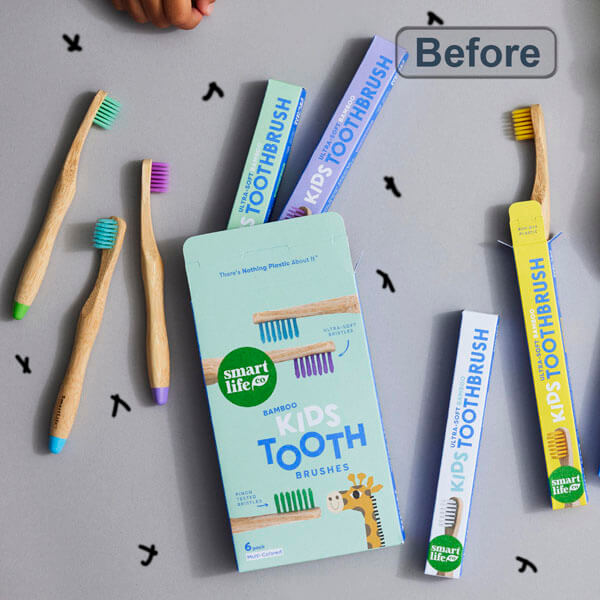
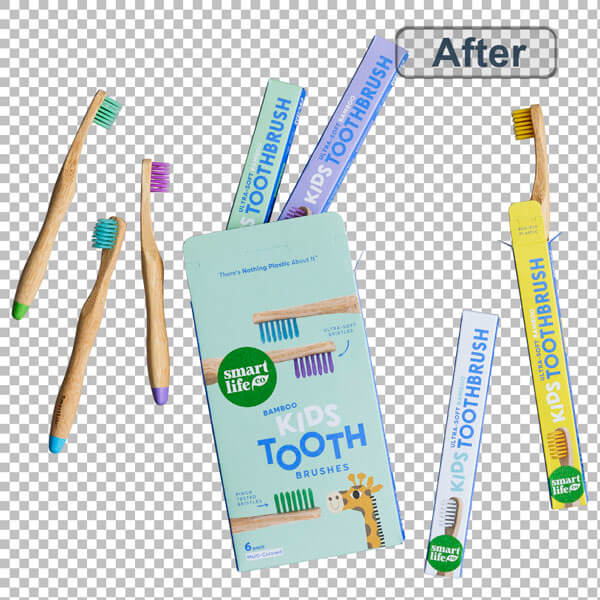
Many people are turning to online shopping as a better alternative to brick and mortar stores. For ecommerce owners, the competition is tight and that’s why improving the user experience is a must. One way to do this is to use high quality images for product listings and this is where our product background removal services come in.
We furnish ecommerce products with the desired backgrounds and editing features that enhances object visibility to users. It is actually a great fit if you want to keep with the desired standards of third party stores like eBay, Amazon and the likes who often require that product images have a white background.
You can also use our service to create an invisible mannequin. It is a great way to show off your apparel products while saving on the cash you would have used to hire models. Moreover, you will be displaying your apparel without the distraction of a real mannequin!
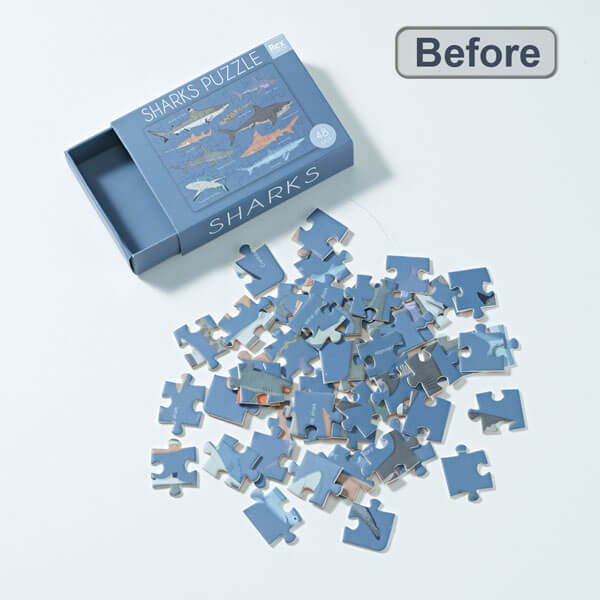
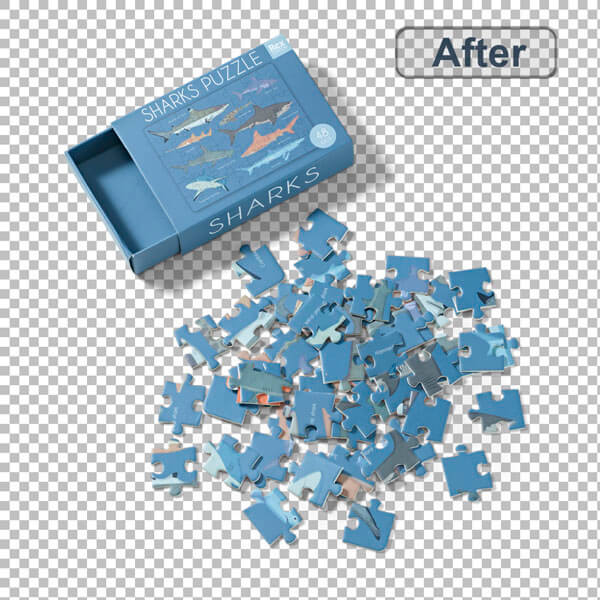
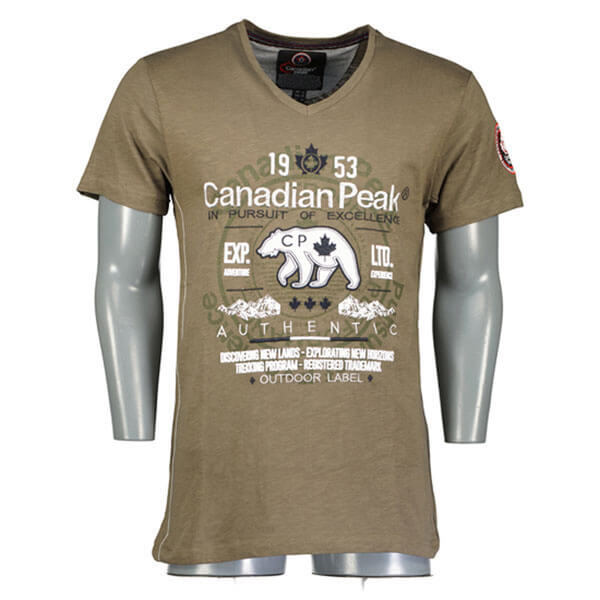
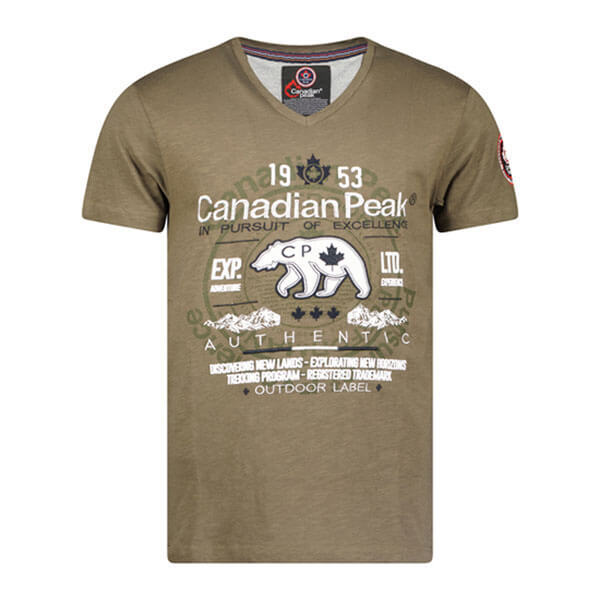
Images are the currency in the fashion industry and we help fashion businesses stay on top of their game through image editing services to enhance the quality of fashion images. We mask those unwanted layers on your photos and remove any details you don’t like. Zenith Clipping provides the best background removal services.
Background image removing is also quite popular in the real estate industry. It is used along with other photo editing methods that adjust aesthetics in real estate photos. Using real estate background removal, you can enhance looks in furniture or even change room color or wallpapers, apartment views and tons of other edits that add flair for marketing real estate property. Sometimes background removing services need for digital photo composite.
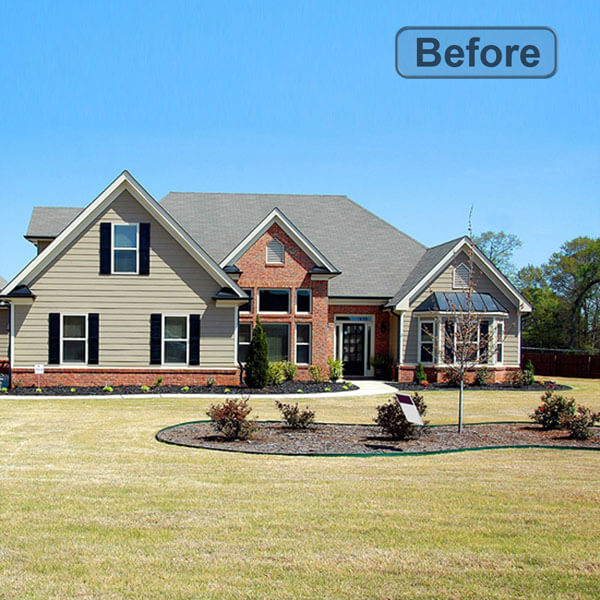
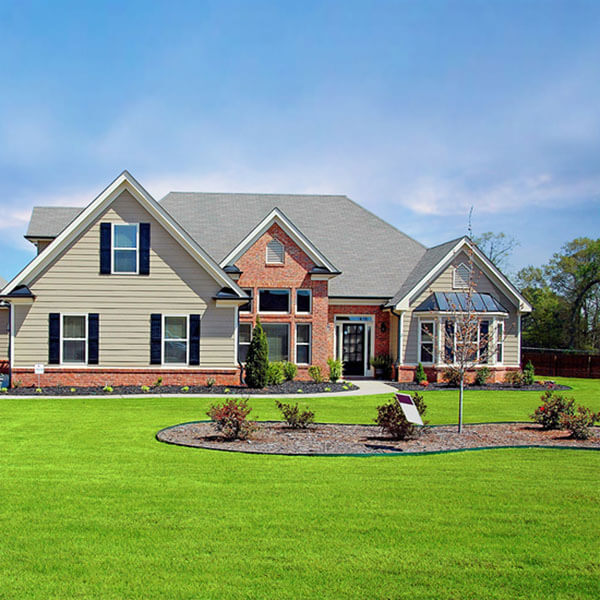
AI background removers are fast, but they guess at edges. Hair, fur, jewellery chains, glass and white products on white backgrounds often come back with halos, missing parts or jagged outlines. Our editors draw every clipping path by hand in Photoshop, so edges stay clean and consistent across a whole catalogue and meet marketplace image rules. Want to try it yourself first? See how to remove all of one color in Photoshop.
There are tons of software and programs you can use to cut out pictures but Adobe Photoshop is one of the best in the industry. We use Photoshop to remove unwanted Background from Images. We also use additional tools like Adobe Lightroom depending on the complexity of the tasks.
Downloading free apps and removing background from pictures on your own sounds like a good idea but not when you want professional grade results. Plus you want to focus more time and energy handling other facets of your business instead of struggling with tons of photo editing tasks. This is why it is advisable to work with a photo editing company. A photo editing company will save your time and money on all your photo editing tasks.
Don’t edit the background of your photo using free image editor apps. Let the pros do the work for you using proper tools! Zenith Clipping is a professional photo editing company in Bangladesh with a team of 150+ photo editing experts who don’t settle with the quality. We are the Photoshop experts with 10+ years of experience. We offer image background removal services to clients in media, fashion, printing, ecommerce, photography, and more! Our service price is affordable. We offer upto 50% discount on bulk orders. We have cut a reputation to remove image background fast with unbeatable results. We can comfortably say that we are the best image editor company in Bangladesh but don’t take our word for it. Just talk to us to book your photo editing service and make your own judgements!
Pricing depends on how complex the edges are. Send a few sample images and we will confirm the exact rate before you order.
| Image type | Examples | Price per image |
|---|---|---|
| Simple | Solid products with straight or smooth edges | From $0.39 |
| Medium | Products with several curves, holes or parts | On quote |
| Complex | Hair, fur and transparent objects | From $1.00 |
| Bulk orders | Large or recurring batches | Up to 20% discount |
Tell us how you want the files back. We deliver transparent PNGs for web design and marketplaces, pure white JPGs for Amazon and eBay listings, or any custom colour that matches your brand. You can also get layered PSD files with the clipping path or mask saved, so your team can change the background later.
Our team of 150+ editors processes 5,000+ images a day, so catalogues of 1,000 images or more are routine. Most orders come back within 24 hours, every image is checked before delivery, and bulk orders get up to 20% off. Need more than a cut-out? See our product photo editing service and packshot retouching service.
Background removal service costs normally range from $0.39 to $10 per image. It depends on the complexity of the images. By and large, this incorporates the cost of work, materials and hardware. Nonetheless, project costs will change contingent upon the size and the intricacy of your work.
A photo background removal service is a photo modifying service that cuts, masks, or removes the background and returns the altered photograph to you. Photo background expulsion isn’t just for white foundations. You can also add a single colour background, or a “context-oriented” background as well.
Most orders are delivered within 24 hours. Rush delivery in 6–12 hours is available on request.
In contrasting diverse background removal services, you should think about the accompanying variables:
PNG with a transparent background, JPG with a white background, or a layered PSD with the clipping path or mask saved.
An image clipping path is an editing process to detach an item from a picture. It assists with dispersing a picture by eliminating undesirable articles and foundations. Likewise, it is utilized to add or composite realistic substance, colour revision, and a transparent background. Clipping path is greatly used in photo retouching services, colour correction, background removal, shadow making, and so on.
Photo masking service is a method that assists with disengaging or altering subjects of pictures without harming a single pixel. Image masking is a great technology for removing background, through which picture background can be taken out impeccably inside an exceptionally short time frame.
There are a good number of apps to eliminate the background of a picture. These apps are extremely good for editing work. For example, Background Eraser, Apowersoft Bg Remover, Slick, PhotoLayers, Auto Photo Cut Paste, Background Eraser – Stickers, BG remover and Photo Editor, Background Eraser, Superimpose, and so on.
For edges like hair, jewellery and glass, yes. Hand-drawn paths are consistent, clean and marketplace-compliant.